
Using Volume Rank
Rank tickers by options-volume activity across timeframes to spot where the action is.
What it is
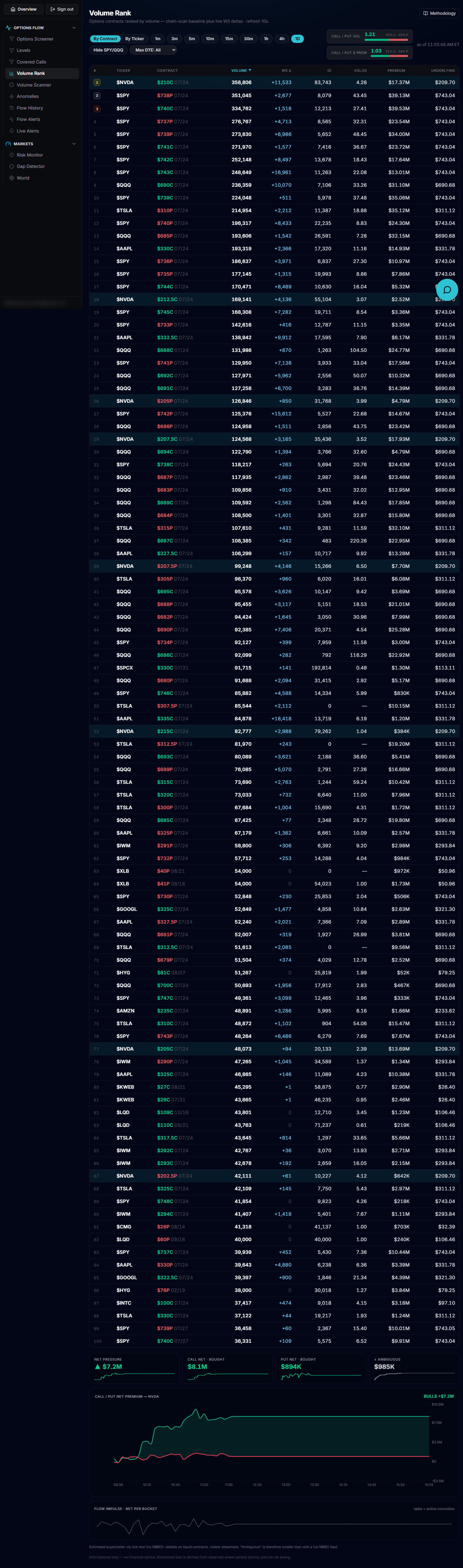
Volume Rank ranks options contracts — or, aggregated, whole tickers — by trading volume, built from a chain-scan baseline plus live WebSocket deltas and refreshed every 10 seconds. Call/Put volume and $ premium ratio boxes at the top summarize the market's lean for whatever window and filters you have active.
Open it
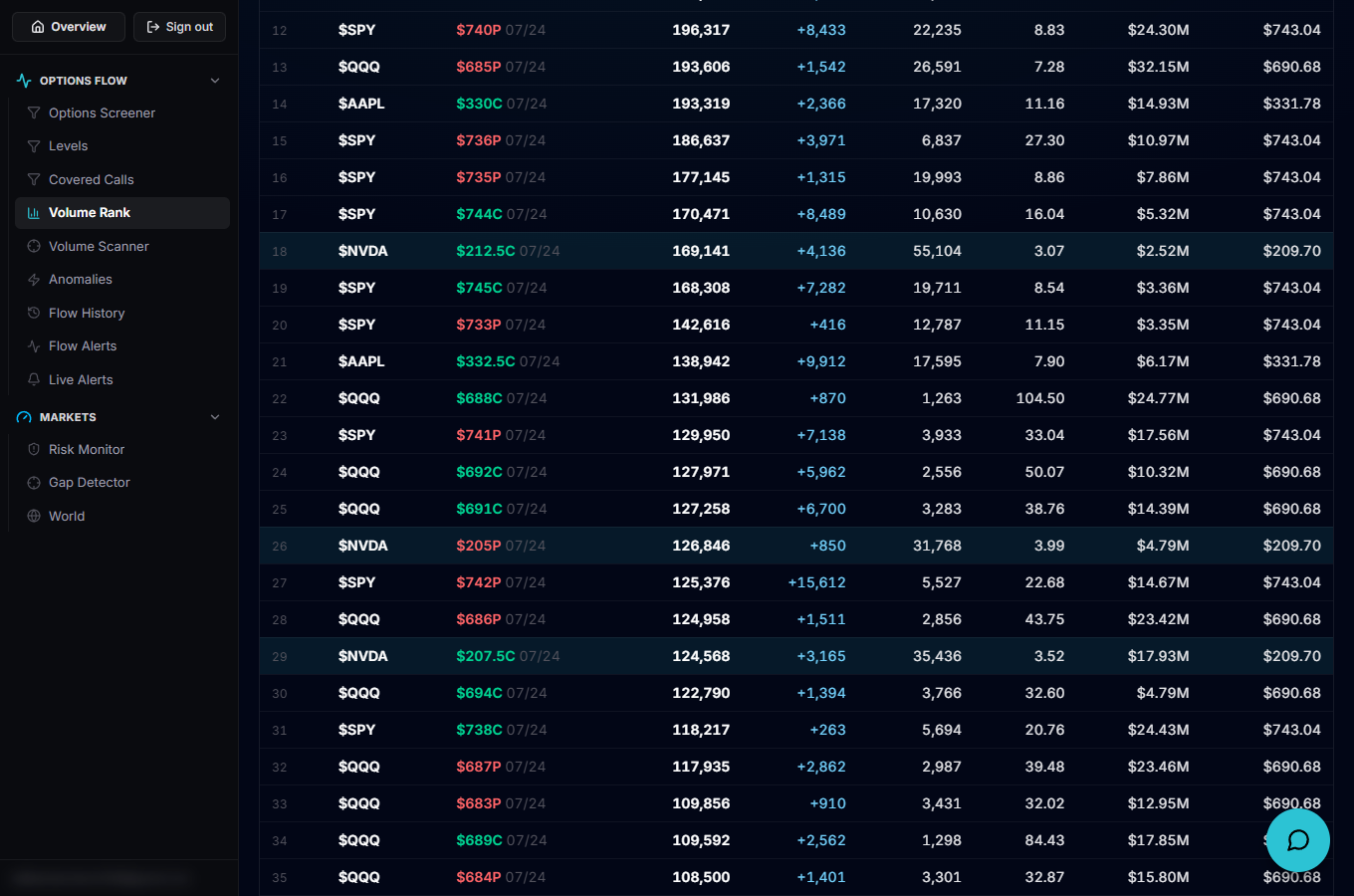
Use the left rail to open Volume Rank, which loads at /account/volume-rank.
The key controls
Switch between By Contract and By Ticker view, pick a timeframe (1m, 3m, 5m, 10m, 15m, 30m, 1h, 4h or the full day), toggle Hide Indexes (SPY, QQQ, IWM, SPX…) or Hide Mag7 to let single-stock names surface, type a ticker in the search box to isolate it, and set a Max Expiration (DTE) filter to focus on near-dated contracts. Click a sortable column header to change the sort.
Read the table
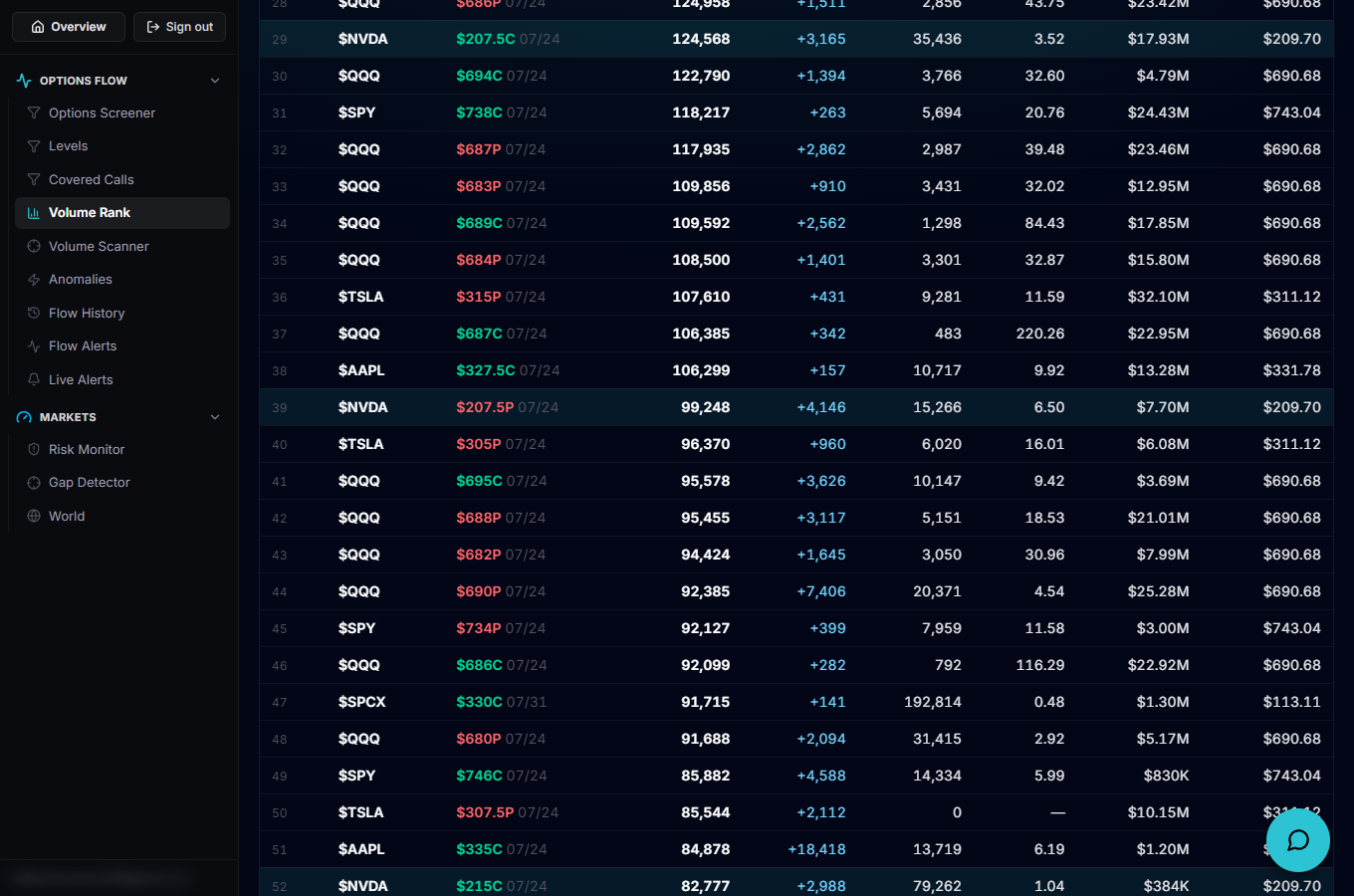
Columns include rank, ticker, contract, Volume, WS Δ (the live delta since the chain-scan baseline), Open Interest, Vol/OI, RVOL, Premium and the underlying's price. RVOL compares a ticker's options volume today to its recent average at the same time of day — it needs about 10 trading days of history to warm up, so until then it's hidden and a "building N/10" badge shows instead of a value.
Go deeper on a ticker
Selecting a row loads a Net Premium Flow chart for that ticker underneath the table, and the methodology drawer in the header walks through exactly how volume, WS delta and RVOL are computed.
Put it to work
Once RVOL has warmed up (no more "building N/10" badge), sort or scan for names printing an RVOL well above 1.0× — that flags a ticker trading options at a noticeably faster pace than its own recent norm, at that same point in the trading day.