What it is
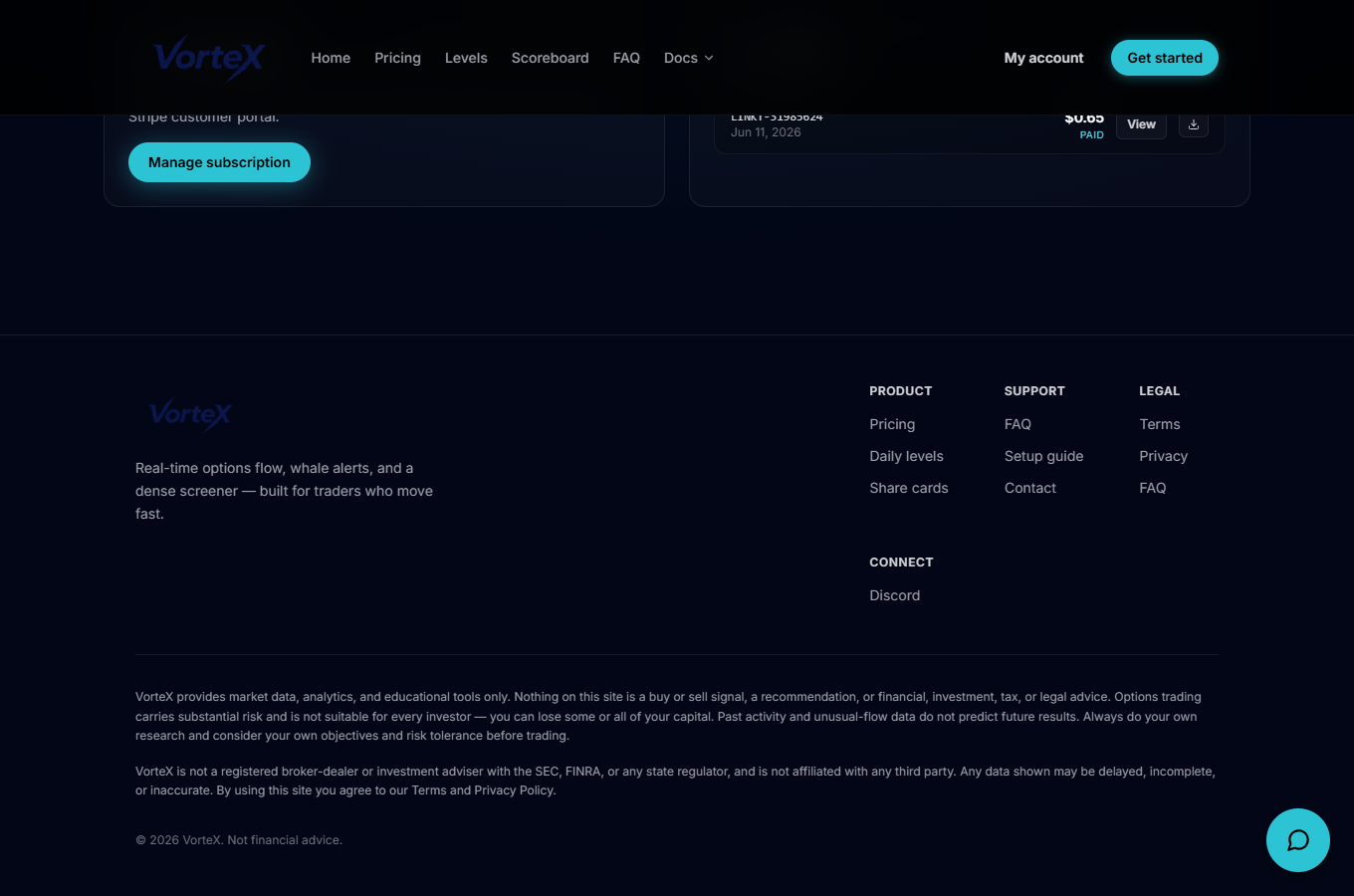
Billing shows your current subscription and its status, plus your invoice history — all in one page, loaded from your Stripe account.
Manage your plan and payment method
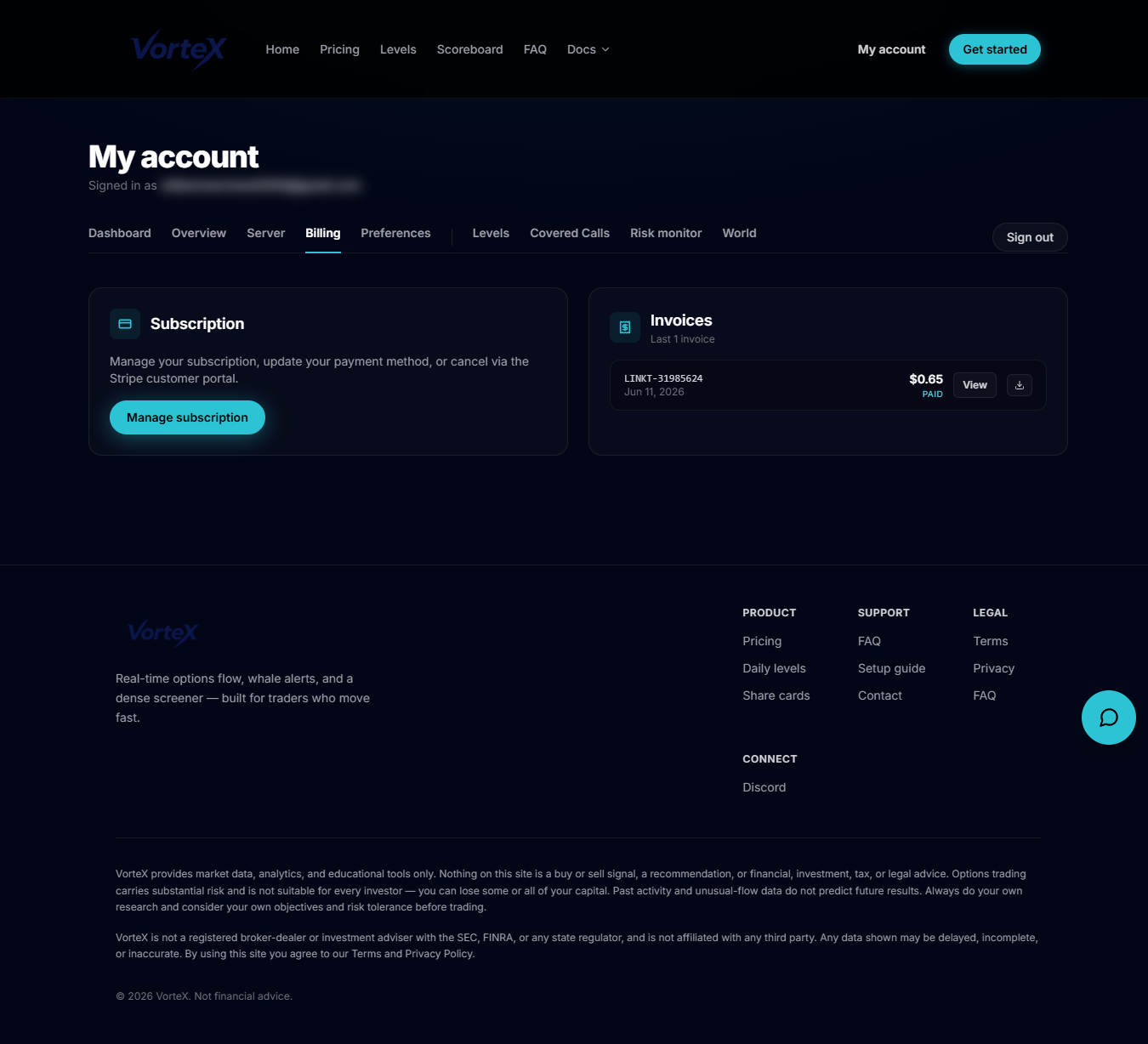
From the account navigation, open Billing, which loads at /account/billing. If you have an active subscription, click Manage subscription to open the Stripe customer portal, where you can update your payment method, change plans, or cancel. If you don't have a subscription yet, a View plans link takes you to pricing to get started.
Invoices and cancellation
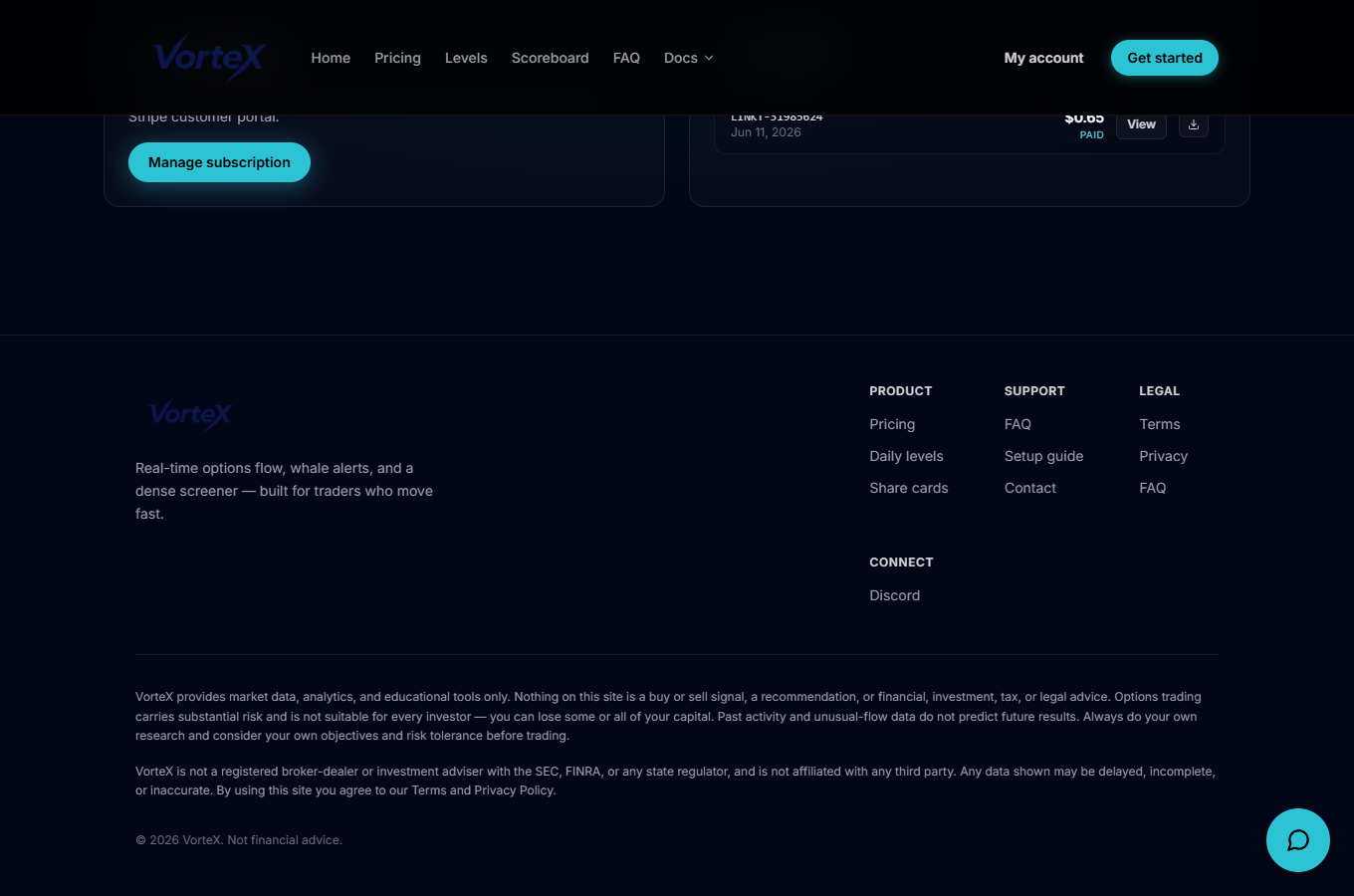
The Invoices card lists your recent invoices (up to the last 12) with the invoice number, date, amount and status (paid, open, void, uncollectible or draft). Each invoice has a View link to see it on Stripe and a Download PDF button. If you cancel from the Stripe portal, access continues until the end of your current billing period.